
By Michael Hayes
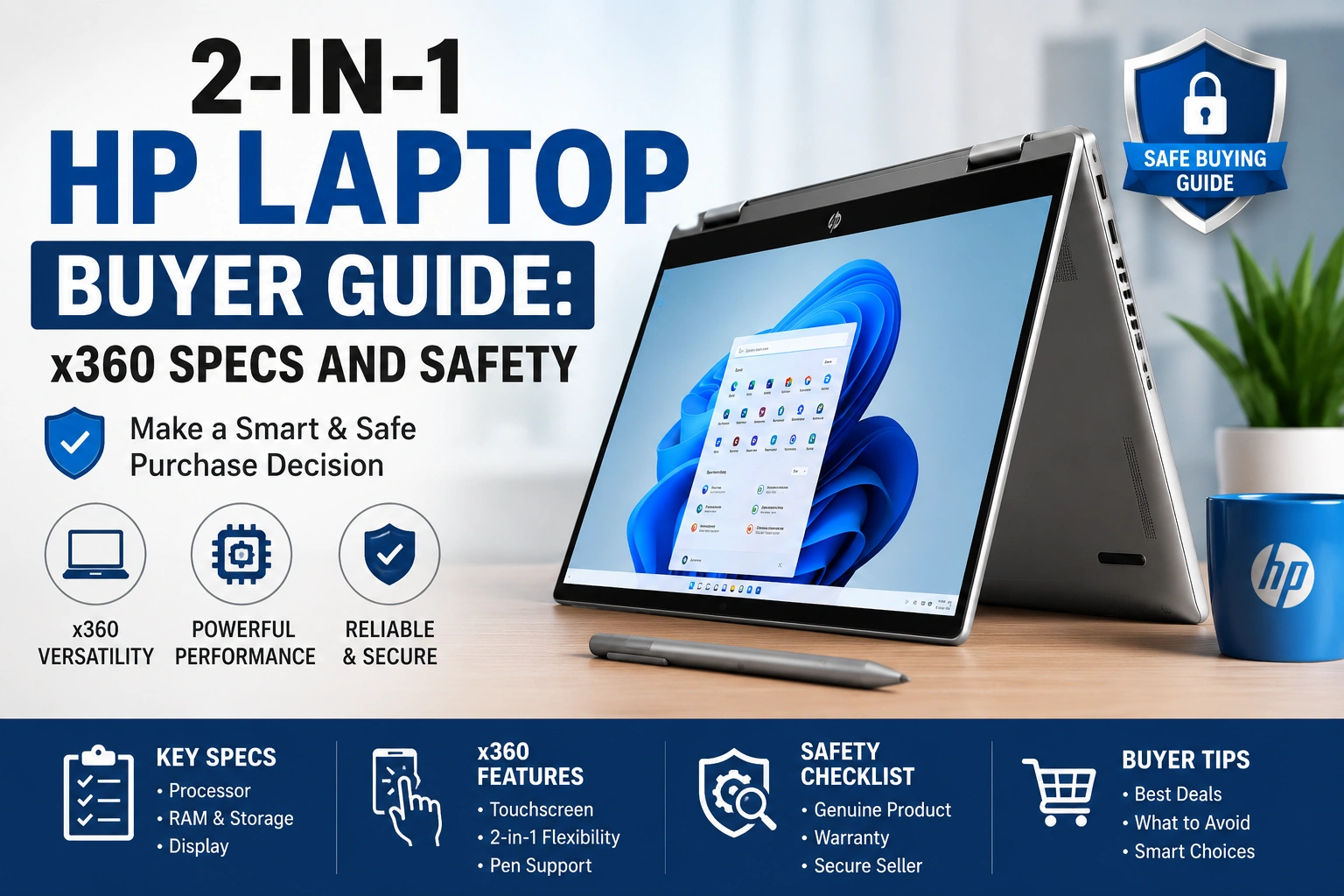
Quick Answer: A 2-in-1 HP laptop is best for buyers who want a Windows laptop that can also work in tent, stand, or tablet mode. Choose by exact model, processor, RAM, SSD, display, hinge feel, pen support, ports, warranty, and return policy.
Buying a 2-in-1 HP laptop is not only about choosing an x360 hinge. HP sells several convertible lines, and the right one depends on your daily work. A student may need notes, battery life, and webcam quality. A home user may need streaming, web browsing, and easy tablet mode. A business buyer may care more about security, ports, warranty, and manageability.
This guide focuses on real buyer decisions in the USA: HP model families, processor, RAM, storage, display, battery expectations, keyboard, hinge, stylus support, charging safety, warranty, and safe troubleshooting. It keeps the advice practical and avoids treating every HP x360 model as the same laptop.
HP x360 buying Convertible laptop Touchscreen and pen Buyer safetyTrust and safety note: This article is for general educational and buyer-information purposes only. It does not guarantee performance, compatibility, durability, repair results, or product availability. It does not replace advice from a qualified technician, manufacturer, seller, or warranty provider. Readers should seek professional help for severe, worsening, unusual, persistent, overheating, battery, charging, or electrical issues.
What a 2-in-1 HP Laptop Is Actually For
A convertible HP notebook can work as a regular laptop and then fold into tent, stand, or tablet-style positions. That makes it useful for typing, streaming, video calls, handwritten notes, PDF markup, light drawing, and presentations. The key is that the hinge and touchscreen add flexibility, but they do not remove the need for good specs and safe buying checks.
A 2-in-1 HP laptop applies well to students, home users, mobile workers, and people who want one device for typing and touch. It may be less ideal for heavy gaming, advanced video editing, large engineering workloads, or buyers who rarely use touch mode. What can go wrong? You may pay more for a folding design while ignoring RAM, storage, display glare, or warranty support.
A beginner should check the exact HP model name, processor, RAM, SSD size, display type, battery notes, pen support, and return policy. A more experienced buyer should also check thermal design, USB-C features, Wi-Fi version, display brightness, upgrade limits, dock support, and service documentation.
Comparison Table: HP Convertible Lines at a Glance
Note: HP’s official laptop pages can help you compare current model families and configurations. Start with HP laptops and 2-in-1 PCs, then confirm the exact model, configuration, and support terms before checkout.
How to Choose the Right HP x360 Model
Choosing the right model starts with use case. For school, look at portability, battery expectations, keyboard comfort, webcam, and pen support. For work, check performance, ports, video call quality, Wi-Fi, security features, and warranty. For home, look at screen quality, speakers, storage, and easy charging.
If you ignore use case, you may buy a stylish model that does not fit your daily work. A small 13-inch convertible may feel great in tablet mode but tight for spreadsheets. A 16-inch model may be better for media and multitasking but heavy in tablet mode. A beginner can check this by listing five daily tasks. A more advanced buyer should compare exact CPU generation, RAM type, SSD size, display panel, port behavior, and HP Care Pack options.
The flow below helps you shop in a safer order instead of starting with price or color.
School notes, office work, video calls, travel, drawing, PDFs, streaming, or business security.
Smaller models feel easier in tablet mode; larger models are better for split windows and media.
Check processor, RAM, SSD, screen type, ports, webcam, and whether pen support is included or optional.
Confirm return period, HP warranty status, regional model, charger, and configuration before buying.
Use real apps, fold the hinge gently, test charging, join a call, and try tablet mode before the return window closes.
If a model fails the task check or comfort check, better marketing will not fix it. A 2-in-1 HP laptop should fit your actual routine first.
Product, Tool, and Specification Fit Table
Step-by-Step Buying and Setup Process
Before buying a 2-in-1 HP laptop, treat it like a work device, not only a tablet-laptop hybrid. The folding design can be useful, but the laptop still needs to handle typing, charging, apps, files, meetings, and warranty support safely.
Write down your daily apps. Include browser tabs, Microsoft Office, Google Workspace, school portals, remote work tools, video calls, note apps, drawing apps, and PDFs.
Pick the HP family. Pavilion x360 may fit tighter budgets, Envy or OmniBook Flip may fit balanced everyday work, Spectre x360 may fit premium buyers, and Elite x360 may fit business use.
Confirm the exact configuration. Product names can hide differences in CPU, RAM, SSD, display, pen support, webcam, keyboard, and charger. Save the model and product number before ordering.
Review warranty and seller terms. Use HP’s warranty tools or seller documents to confirm support. A clear return policy matters if screen glare, keyboard feel, or tablet mode comfort disappoints.
Test early after purchase. Join a video call, type a long email, fold the hinge gently, test touch, check charging, and use the laptop in the room where you normally work.
Back up before major changes. Before resets, operating system reinstall attempts, storage changes, driver changes, or repair work, back up important files to a trusted location.
Tip: If you can test a display model in person, fold the hinge slowly, type one full paragraph, open a bright webpage, and try the touchscreen. I usually notice hinge feel, glare, and keyboard comfort faster than small spec differences.
Performance, Display, Battery, and Pen Expectations
A convertible design does not automatically mean weak performance. Many HP x360 models can handle everyday web work, documents, streaming, video meetings, and light creative tasks when configured well. But small, thin 2-in-1 designs can have less cooling room than thicker performance laptops, so sustained heavy work may feel different.
Display choice matters because most convertible screens are touch-enabled and may be glossy. That can be great for media and pen use, but reflections can bother some users in bright rooms. Battery expectations also vary by screen type, brightness, processor, video calls, Wi-Fi, background apps, and power settings. Do not treat advertised battery life as a promise for your exact day.
For Windows models, compare the configuration with Microsoft’s Windows 11 specifications. For HP warranty status, use the official HP warranty check with the device serial number.
This priority meter shows what often matters most when comparing HP convertible models. It is a practical guide, not lab data.
The lesson is simple: the right 2-in-1 HP laptop should match your real apps, your comfort needs, and your support expectations before color or design details.
Safe Laptop Routine vs Risky Laptop Routine Table
Ports, Pen Support, and Accessory Compatibility
Ports and pen support are common buyer traps. A USB-C port may support data, charging, display output, or only some of those functions. A touchscreen may support finger touch but not every active pen. A dock may connect physically but fail to power displays the way you expect.
Beginners should check the HP product page, manual, and seller listing before buying hubs, pens, chargers, or docks. Experienced users should check USB-C features, Thunderbolt or USB4 claims where listed, pen protocol, docking support, and whether Windows Pro or HP business features are needed.
For connector information, review USB-IF cable and connector guidance. For HP battery swelling guidance, HP says to discontinue notebook use and disconnect AC power when battery swelling is noticed; check HP’s battery swelling support page for official wording.
Warning: Do not use a charger, cable, dock, or adapter that sparks, smells burned, becomes unusually hot, or feels loose in the port. Stop using it and contact the seller, HP, warranty provider, authorized service center, or a qualified repair professional.
This safety path helps separate normal setup confusion from warning signs.
A pen needs pairing, a hub needs settings, or display output is unclear. Check HP support and Windows settings first.
The accessory fits but does not do the promised job. Confirm exact model support before buying another adapter.
Heat, sparking, burning smell, sudden shutdown, or loose charging is not normal. Stop using the part.
Use HP, seller, warranty, authorized service, or qualified repair support for severe, persistent, battery, charging, or electrical issues.
If the problem is a setting, careful testing may help. If the issue involves battery, heat, smell, sparking, liquid, or port damage, do not keep experimenting.
Common Problems and Safer Fixes
Most problems with a 2-in-1 HP laptop fall into a few groups: screen glare, touch issues, pen confusion, hinge feel, battery drain, charging trouble, heat, slow performance, or storage pressure. Start with safe checks: restart, update through normal settings, close unused apps, lower brightness, check storage, and test one accessory at a time.
Do not open the laptop, replace internal batteries, force a hinge, or use unknown chargers as beginner fixes. For performance or software troubleshooting, back up files before resets, driver changes, operating system reinstall attempts, or service work.
Problems vs Possible Reasons Table
This warning dashboard shows signs that should stop normal use and move you toward support.
Screen lifting, case bulging, sudden shutdowns, or extreme heat can point to a serious issue. Stop using the laptop and seek support.
Sparks, burning smell, buzzing, or a loose charging connection should not be ignored. Do not keep testing the charger.
Cracking sounds, uneven movement, or screen wobble can worsen with convertible use. Contact support before forcing the hinge.
Missing files, failed updates, or storage errors need backup first. Do not reset or reinstall without saving important work.
Safety Note: Do not open the laptop, replace internal batteries, force a loose port, or bypass charging warnings. Internal repair can cause electric shock, battery damage, data loss, warranty issues, or device failure.
What Careful Buyers Check That Beginners Often Miss
Careful buyers look past the x360 name. They compare the exact product number, processor, memory, SSD, display brightness, webcam, keyboard backlight, pen support, charger, warranty, and seller reputation. They also check whether the laptop is a new model, refurbished unit, open-box listing, or marketplace configuration with upgraded parts.
They also notice comfort details. A glossy OLED display can look beautiful but may reflect bright windows. A large convertible may be great on a desk but heavy as a tablet. A budget model may be good for class notes but less ideal for long creative sessions. Choose a 2-in-1 HP laptop if the trade-offs match your routine. Avoid it if you mainly want gaming power, repair flexibility, or a matte business display.
The dashboard below helps match HP convertible types to realistic routines.
Look for keyboard comfort, webcam quality, battery expectations, and pen support. Test PDF markup and note apps before a semester starts.
Screen quality, speakers, storage, and easy charging matter most. Check glare if the laptop will sit near windows.
Prioritize webcam, microphone, ports, Wi-Fi, keyboard, and external monitor support. Business users should check Windows Pro and warranty options.
Check pen compatibility, screen quality, palm rejection, and app support. A compatible pen matters more than a vague “touchscreen” label.
Mistake vs Better Choice Table
When to Contact a Technician or Manufacturer Support
When to contact a technician or manufacturer support: Get help if there is overheating, swollen battery signs, screen lifting, sparking, burning smell, sudden shutdowns, liquid damage, loose charging ports, cracked display, failed touch input, repeated charging failure, or hinge damage.
Also contact HP, the seller, or warranty provider before opening the device, replacing internal parts, reinstalling the operating system in a risky way, or using unverified chargers. This protects safety, data, and possible warranty coverage.
FAQ
Is a 2-in-1 HP laptop good for students?
It can be a good choice for students who need notes, web research, video classes, PDFs, and light document work. Check school software, keyboard comfort, screen size, battery expectations, warranty, and return policy first.
What is the difference between HP Pavilion x360, Envy x360, and Spectre x360?
Pavilion x360 is usually the value-focused line, Envy x360 often targets stronger everyday performance and design, and Spectre x360 is usually the premium convertible line. Exact specs vary by model and year.
Should I buy an HP 2-in-1 with Intel or AMD?
Choose by the exact processor, price, battery expectations, graphics needs, and model reviews, not by brand name alone. Both Intel and AMD models can be good when the configuration fits your workload.
Does every HP 2-in-1 support a stylus pen?
No. Some HP 2-in-1 models support active pens, while others may only support basic touch. Check the exact model page, accessory list, and pen protocol before buying a stylus.
Can an HP 2-in-1 replace a tablet?
It may replace a tablet for notes, reading, streaming, and light drawing, but it is often heavier than a dedicated tablet. Test tablet mode comfort before relying on it daily.
What specs matter most in an HP convertible laptop?
Processor, RAM, SSD storage, display quality, hinge strength, keyboard comfort, webcam, ports, Wi-Fi, battery expectations, pen support, warranty, and return policy matter most for daily use.
When should I contact HP, the seller, or a technician?
Contact support for overheating, swollen battery signs, sparking chargers, burning smells, liquid damage, loose ports, hinge damage, display failure, sudden shutdowns, or unclear warranty coverage.
Final Thoughts
A 2-in-1 HP laptop can be a practical choice when the exact model, specs, display, hinge, keyboard, pen support, ports, warranty, return policy, and care routine fit your needs. Check compatibility and support before buying. For severe, unusual, persistent, overheating, battery-related, charging-related, hinge-related, or electrical issues, contact HP, the seller, warranty provider, authorized service center, or qualified repair professional.
